Every finance team knows the pattern. The month closes, and half the receipts are missing. Employees dig through wallets, scroll through email, photograph crumpled paper from their back pocket. Someone in finance sends reminder emails. The bookkeeper waits.
The cost isn't just time. Missing receipts mean incomplete records, VAT deduction risk, and audit exposure. In Finland and Sweden, Verohallinto and Skatteverket require receipts for business expenses — there's no workaround.
Most companies have tried to fix this with shared email inboxes, Excel trackers, or photo folders. These approaches move the problem around without solving it. The core issue remains: receipt capture depends on employees remembering to do something, and matching receipts to transactions is manual work.
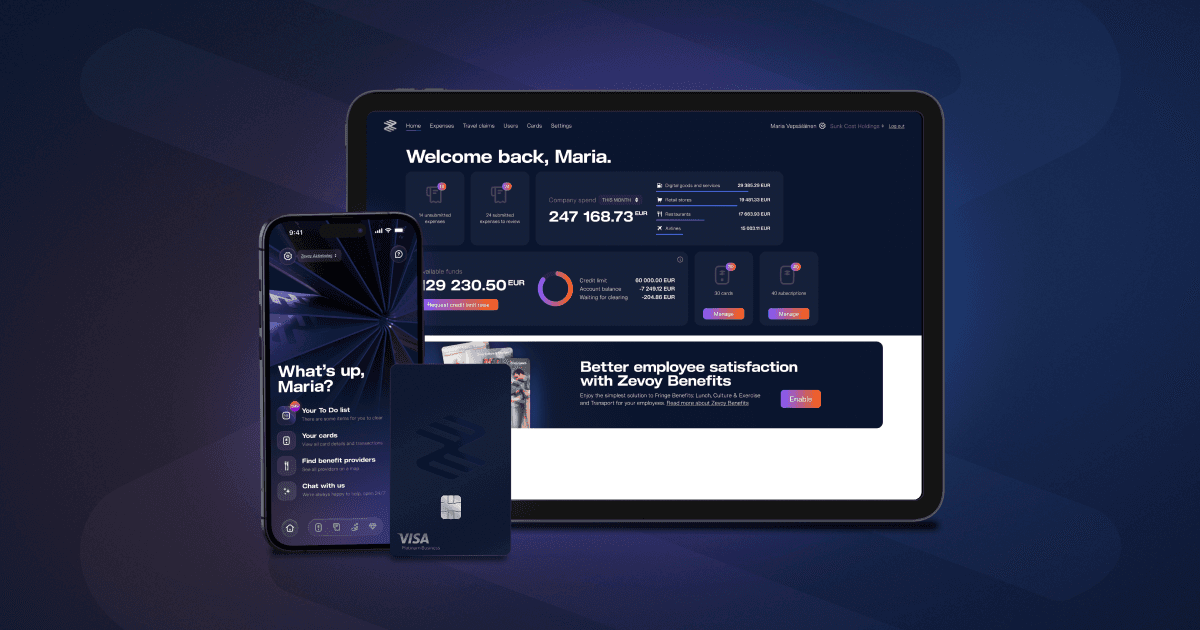
1. OCR scanning in the app Employees photograph a receipt in the Zevoy mobile app. OCR reads the merchant, amount, date, and VAT for expense claims. The employee links the receipt to the right card transaction and confirms with one tap.
2. ReceiptHero auto-receipts Zevoy corporate cards are enrolled in ReceiptHero. When an employee pays at a participating merchant, the digital receipt attaches to the transaction automatically — zero action required from the employee. No photo, no forwarding, nothing.
3. Email forwarding Employees can forward email receipts (e.g. from SaaS subscriptions or online purchases) to their personal Zevoy email address. The system reads the receipt and matches it to the corresponding transaction.
Once linked, receipts are stored as PDFs and attached to the expense record. When you export to your accounting system through an integration, receipts travel with the transaction — your bookkeeper sees the full picture in Netvisor, Procountor, Fortnox, or whichever system you use. For systems using CSV templates, the receipt PDF must be uploaded separately.
✔
✔
✔
How does receipt linking work in Zevoy?
When an employee scans a receipt, OCR reads the amount, date, and merchant for expense claims. The employee then links the receipt to the correct card transaction and confirms. For email receipts forwarded to Zevoy, the system matches them to transactions automatically. ReceiptHero digital receipts attach to transactions with zero user action.
What is ReceiptHero and how does it work with Zevoy?
ReceiptHero is a digital receipt network. Zevoy cards are automatically enrolled. When you pay at a ReceiptHero-participating merchant, the receipt is captured digitally and attached to your Zevoy transaction — no scanning or forwarding needed.
Do scanned receipts meet Finnish and Swedish tax authority requirements?
Yes. Zevoy stores receipts as PDF files attached to each expense record. These are exported alongside transactions to your accounting system, meeting Verohallinto and Skatteverket documentation requirements for business expenses.
What happens when a receipt is missing?
Zevoy shows pending transactions that are missing receipts and sends reminders to the cardholder. Your finance admin can see all unprocessed transactions in the Zevoy Hub dashboard and follow up directly.
Which accounting systems do receipts export to?
Receipts export alongside transactions via API integrations — Netvisor, Procountor, Fortnox, NetSuite, and Business Central. For systems using CSV templates (Talenom, Fennoa, Heeros, Fivaldi, Lemonsoft, and others), the receipt PDF must be uploaded to the accounting system manually.
Zevoy Aktiebolag
Eteläesplanadi 24 A
00130 Helsinki
Suomi
Y-tunnus: 3147751-4
Zevoy on vuonna 2020 perustettu fintech-yritys. Zevoy Aktiebolag on suomalainen sähkörahalaitos, jota säätelee ja valvoo Suomen Finanssivalvonta. Yhtiön kortit myöntää Zevoy Aktiebolag Visa Europe Limitedin myöntämän lisenssin alaisena. Pääkonttorimme sijaitsee Helsingissä, Suomessa, ja kotimarkkinamme lisäksi palvelemme myös Ruotsia, Norjaa, Tanskaa, Saksaa, Ranskaa, Belgiaa, Alankomaita, Espanjaa, Portugalia, Viroa, Liettuaa ja Latviaa.